


- Go to Transaction SNOTE
- Read the note carefully and check for validity, Pre-Implementation steps , Post-Implementation steps and Pre-requisite Notes.
- Download / Upload the desired Note http://scn.sap.com/docs/DOC-43239
- Do the manual pre-implementation steps in case the Note suggests.
- Implement the pre-requisite Note if needed
- Implement the Note , Navigate to menu Goto -> SAP Note Browser

- Make sure the Note is in "Can be Implemented" or "Obsolete version Implemented" Implementation status.
- Select the note and proceed with Implementation (F8) , SNOTE also allows to implement set of Notes together.
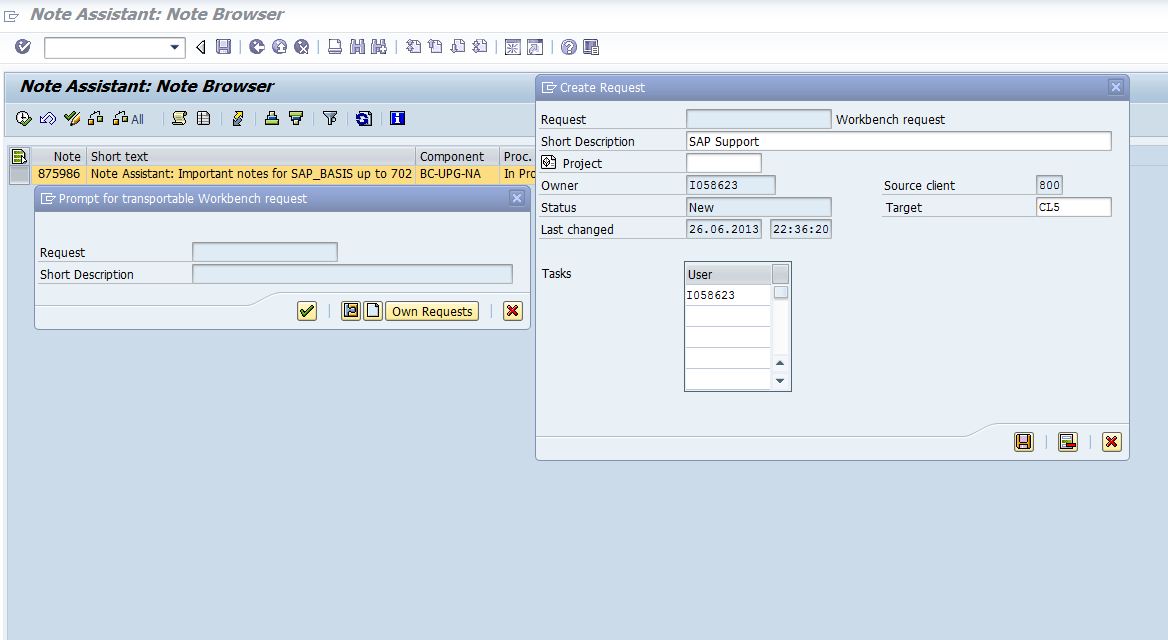
- Select the request from the pop-window or create a new request.

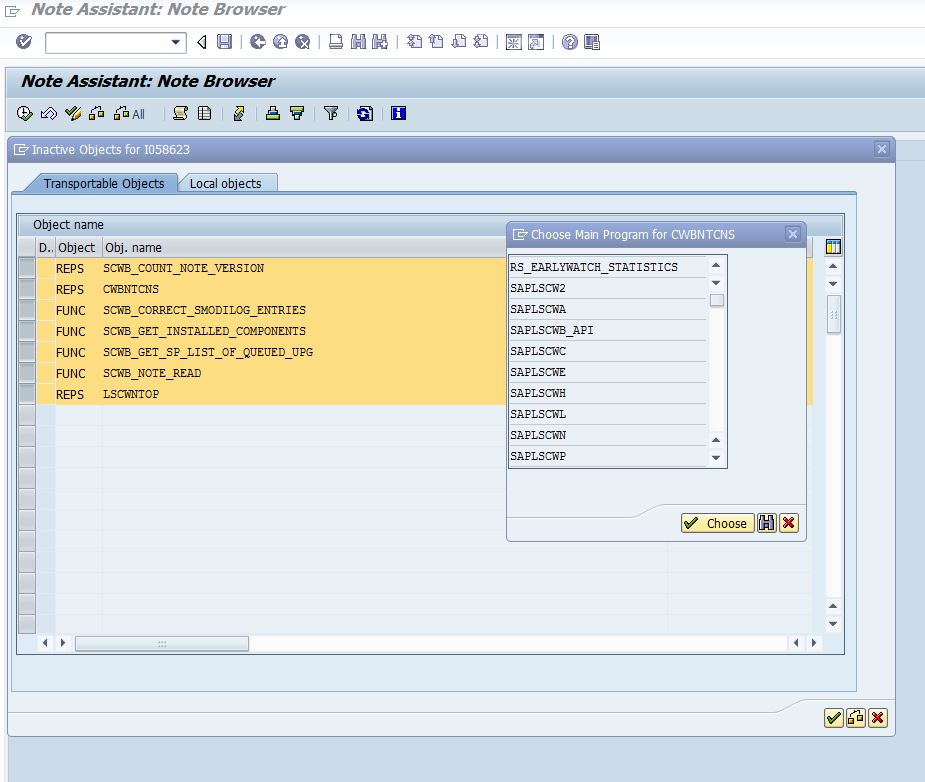
SNOTE lists out objects


Make sure to see the final status and log of note implementation (ctrl+F5).

Check for Post-Implementation steps from the Note , if mentioned proceed with the steps accordingly.
 Bluesky


