


"If a craftsman wants to do good work, he must first sharpen his tools"
- Confucius
Over a year ago, it got into my attention a new development IDE which is Microsoft's Visual Studio Code. Back then, I find the tool very different from the one I'm used to, which is Eclipse and Webstorm IDE. I find it hard to use simply because I didn't know much how to use it. I must say, the transition was quite slow because there's quite a number of shortcuts and techniques that I'm not familiar with.
Fast forward to the present time, it has become my primary tool for full-stack development, be it UI5 or CAP. You just need to get to know the tool to realize why it is so popular. For me, it's popular because it has a lot of tools or features that help a lot in developer productivity. That's probably one main criterion a developer should be looking for a development tool.
Another aspect to like about VS Code is the abundance of extensions available for different programming languages. As a matter of fact, the standard tooling support that comes with the VS Code is built using extension APIs! Yes, you read that right! VS Code is built as an extension-first IDE.
In this blog post, I am sharing the top 10 extensions that I personally use on my Node.js development, as well as when developing in Cloud Application Programming (CAP) Model. I hope you would find it useful too in your backend development work.

Prerequisites
- Of course, you need Visual Studio Code
- Apparently, VS Code extensions are not available in SAP Business Application Studio
1. Bracket Pair Colorizer 2
This extension allows matching brackets to be identified with colors. The user can define which tokens to match, and which colors to use.


2. ESLint
This extension integrates ESLint into VS Code. The extension uses the ESLint library installed in the opened workspace folder. If the folder doesn't provide one, the extension looks for a global install version.


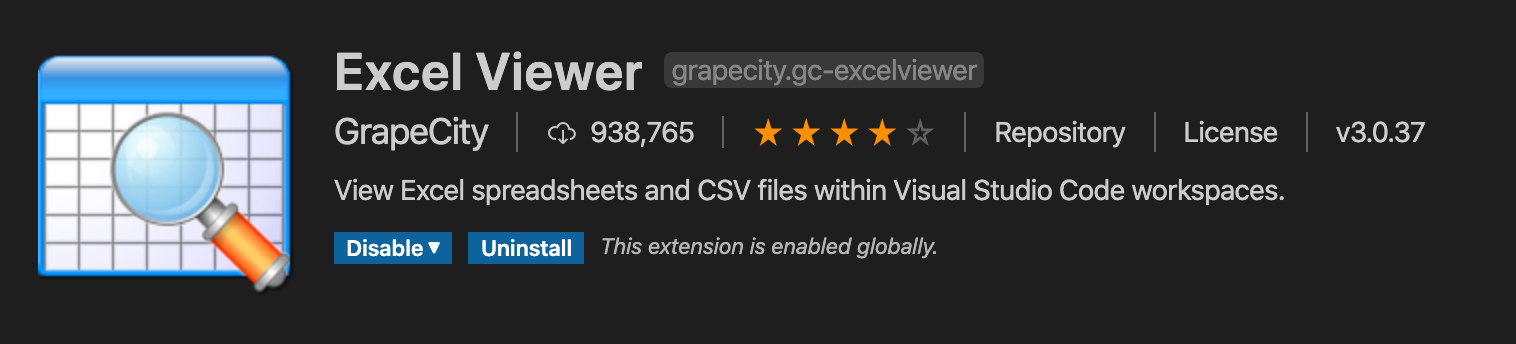
3. Excel Viewer
This extension provides a read-only view for CSV files and Excel spreadsheets within the current VS Code workspace. Use this if you want to view your CSV data tucked in individual columns.

4. Rainbow CSV
This extension highlights columns separated in comma, tab, semicolon, or pipe in different colors. This is good for improved readability and as well as modification of CSV files (which the Excel Viewer is lacking).


5. GitLens - Git Supercharged
This extension supercharges the Git capabilities built into VS Code. It helps you to visualize code authorship at a glance via Git blame annotations and code lens, and so much more.


6. Live Share
This extension enables you to collaboratively edit and debug with others in real-time, regardless of what programming languages you're using or app types you're building. It allows you to instantly (and securely) share your current project, and then as needed, share debugging sessions, terminal instances, localhost web apps, voice calls, and more!

7. Markdown Preview Enhanced
This extension provides you with many useful functionalities such as automatic scroll sync, math typesetting, mermaid, PlantUML, pandoc, PDF export, code chunk, presentation writer, etc.
I like using this for reading and writing markdown documentation.


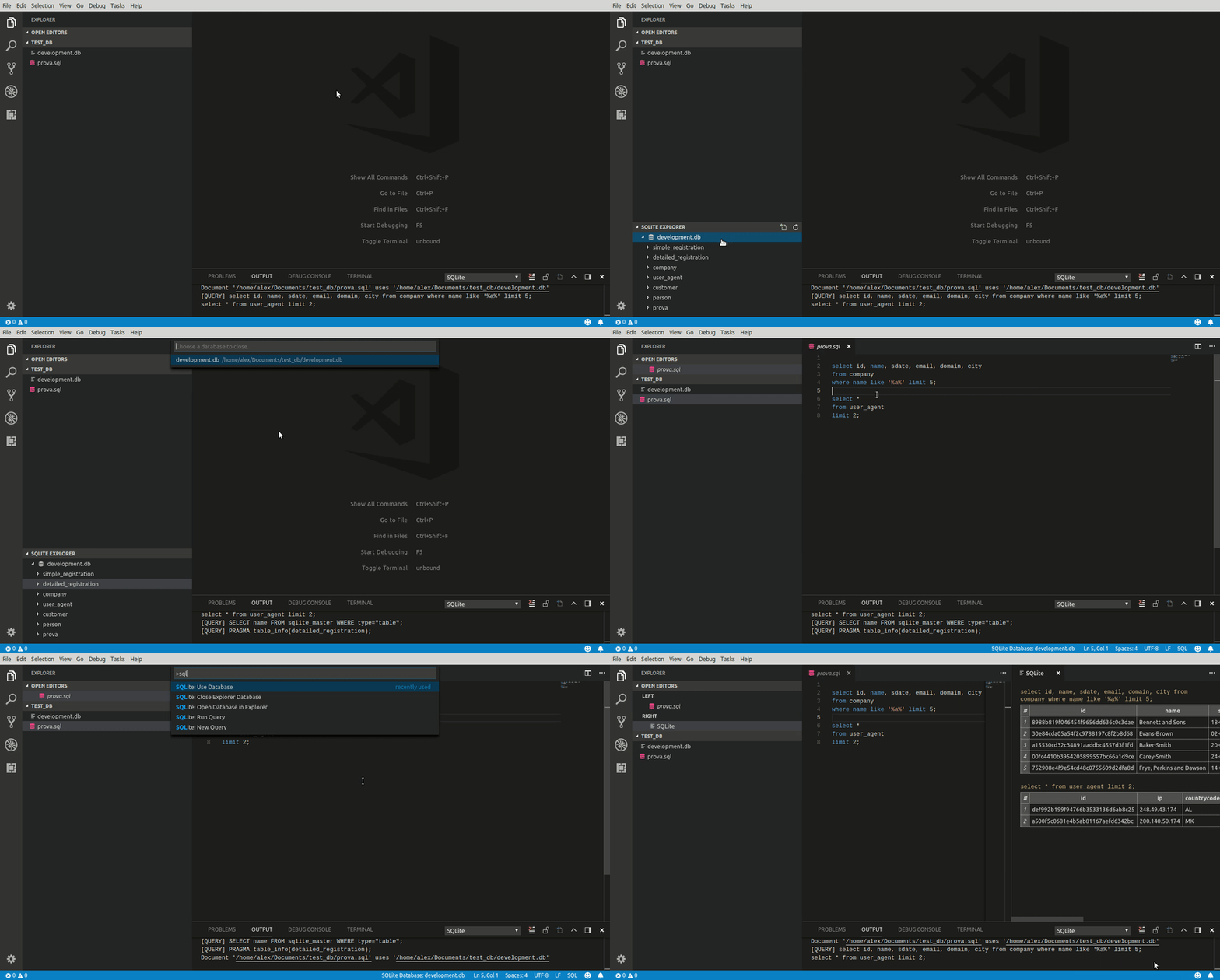
8. SQLite
This extension provides the capability to explore and query SQLite databases.

9. YAML
This extension provides comprehensive YAML support to VS Code, via the yaml-language-server, with built-in Kubernetes and Kedge syntax support.
I use this mainly for working with mta.yaml file.


10. Blue Phoenix
Last but not the least, is the Blue Phoenix VS Code extension which is created by yours truly.
This extension has the following features:
- SQLScript Language Support
- Syntax highlighting
- Grammar: auto-indentation and closing
- Source code formatting
- HANA Configuration Artifacts
- JSON Syntax Highlighting
- Cloud Application Programming (CAP) Model
- Syntax highlighting
- XSJS Framework
- Syntax highlighting
- Grammar: auto-indentation and closing
- File Icon Theme Support
- HANA, XSJS, and CAP Model development artifacts
- Linting support for mta.yaml file descriptor
- Highlight error when the tab was used for indention


Closing
There you have it! The top 10 VS Code extensions that I find useful for backend Node.js and CAP Model development work. These extensions help on developer productivity and improve the developer's development experience.
If you haven't considered VS Code as one of your development IDE, perhaps this blog post will help to justify why you should give it a try. One of the good aspect of why I prefer to use local development IDE is the freedom of choice for developer tooling that I need and VS Code is able to provide that with the vast contribution of the VS Code developer community for extension plugins. You can pick and choose which one works best for you and helps you accomplish your development task faster.
And if you are already a VS Code user, then I hope that you found some new extension plugins to try from this blog post. I have to mention here that I learned about YAML and Rainbow CSV from dj.adams.sap on his youtube channel Hands-on SAP dev with qmacro. What about you? Do you have any VS Code extensions that you find it useful but not mentioned in this blog post? Please do share them by dropping a comment below!
~~~~~~~~~~~~~~~~
Appreciate it if you have any comments, suggestions, or questions. Cheers!~
 Bluesky


